
Introduction
With TDM Digital Signage, you have the ability to shuffle pages within your content.
There are two shuffle methods available:
-
One located in the playlist configuration.
-
Another found in the presentation configuration.
This guide explains how to enable the presentation shuffle feature.
Requirements
If you want to configure presentation shuffle, you need to meet the following requirements:
-
Have access to Content Creation > Presentations within the Designer.
How to Configure Presentation Shuffle
-
Log in to the Designer:
👉 https://designer.tdmsignage.com -
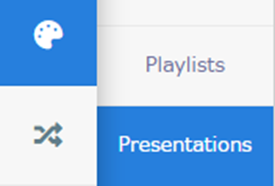
Select Content Creation, then choose Presentations.
-
Open the presentation where you want to enable shuffle.
-
Locate the Shuffle Mode option. Choose one of the four available shuffle modes:
-
Default:
Playlists added to this presentation that have the shuffle option enabled will play in random order.
Playlists without shuffle enabled will play sequentially, as configured in their playlist settings. -
Mixed Shuffle:
Pages from multiple playlists will be shown randomly, but only for playlists with shuffle enabled.
Any playlist without shuffle enabled will remain in its set order. -
Distributed Shuffle:
Three random pages will be shown from Playlist 1, then three random pages from Playlist 2, and so on.
Once a page has been displayed, it won’t appear again until all pages from that playlist have been shown. -
Distributed Linear:
One page will be shown from Playlist 1, followed by one page from Playlist 2, and so on in sequence.-1.png?width=644&height=132&name=mceclip2%20(1)-1.png)
-
You have now successfully enabled presentation shuffle for your TDM Digital Signage presentation.