
Introduction
Starting from version 4.1, TDM Digital Signage allows users to rotate elements directly within the template editor.
This feature enables you to position elements at specific angles, providing more creative flexibility in your design layouts.
This guide explains how to use the rotation feature within the template editor.
Requirements
If you want to use element rotation, you need to meet the following requirements:
-
Have access to the template editor.
How to Use Rotation in the Template Editor
-
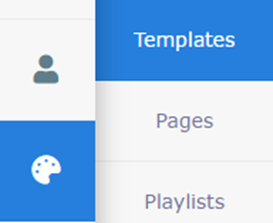
Open Content Creation from the menu on the left side and select Templates.
-
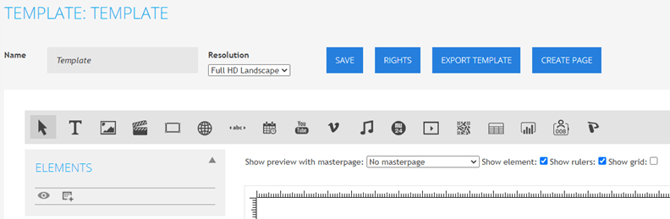
Create a new template or edit an existing one to open the template editor.
-
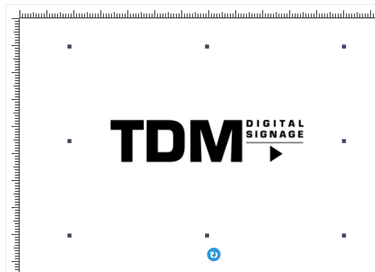
Select the element you want to rotate by left-clicking on it.
-
A blue rotation handle will appear at the bottom of the selected element.

-
Click and hold the rotation handle (do not release the mouse button). Move your mouse in the desired direction to rotate the element.
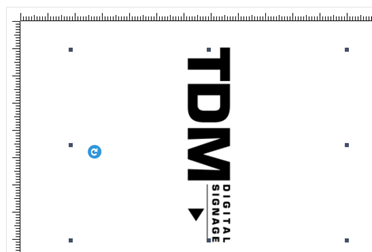
Once the element is at your preferred angle, release the mouse button.
You have now successfully rotated your element within the template editor.