
Introduction
TDM5 allows you to create your own designs using your company’s colors and logos. You can also upload custom fonts. With these features, you can create designs that match your corporate identity.
Requirements
To add a font, you need the following:
-
Access to Designer > Fonts
-
The font files you want to upload
How to add a font
-
Log in to your TDM5 environment.
-
Select Designer.

-
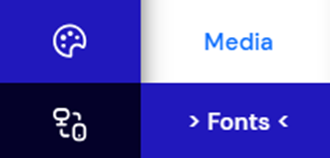
Select the menu option Fonts.
-
An overview of all available fonts will be displayed. Click Upload to add a new font.

-
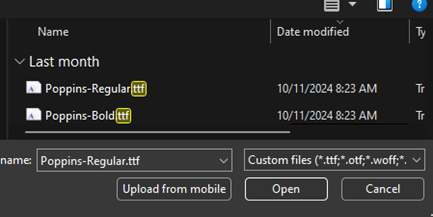
Select the font file you want to upload and click Open.
-
Once the upload is complete, a new page will open. Here, you can assign a specific style to the uploaded font if desired.

-
You can also click Upload again to add different styles of the same font.
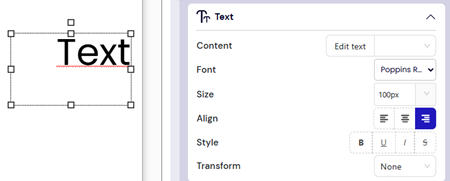
Once completed, you have successfully added a font to TDM5. The font is now available for use in your designs.