
Introduction
TDM5 allows you to create schedules for specific times and/or days. A schedule can be linked to content, but also to an action such as powering off your device. With this functionality, you can automate actions for events or other occasions without needing to manually change the state of your devices.
This article explains how to create a content schedule.
Additional articles about scheduling can be found in our knowledge base.
Requirements
To create a content schedule, you need to meet the following requirements:
-
Have access to Devices > Schedules
How to create a content schedule
-
Log in to your TDM5 environment.
-
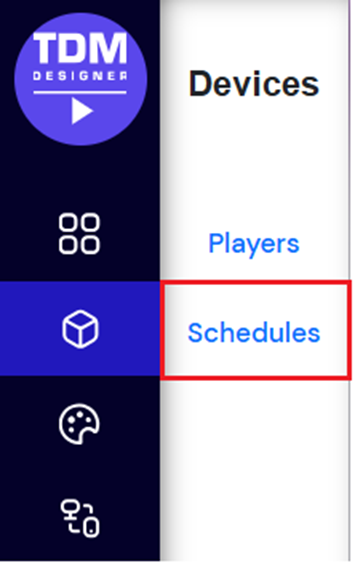
Select Devices.

-
Open the menu option Schedules.
-
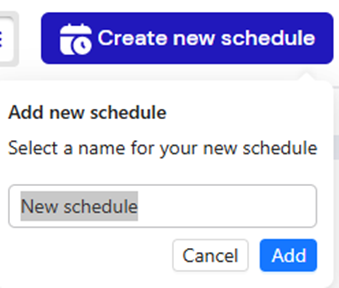
Click Create new schedule in the top-right corner.

Enter a name for your new schedule and click Add.
-
In the next window, select the Active periods (interval).
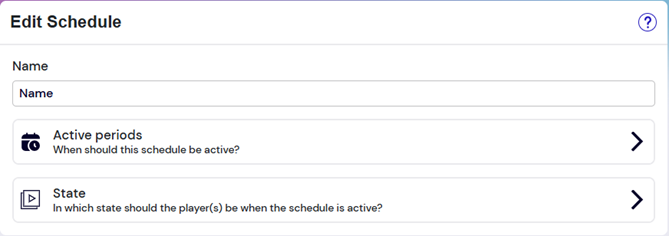
Choose how often the schedule should run — Once, Daily, or Weekly.

After selecting the interval, set the preferred time for your content schedule.
-
Daily: Choose the time the content should start each day.

-
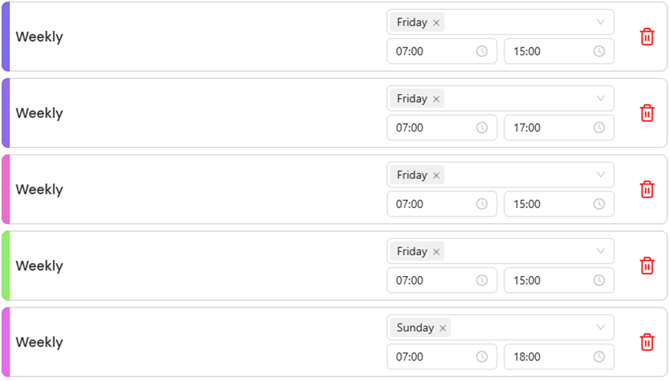
Weekly: Choose the day(s) of the week and the start time.

Tip: If you want the schedule to apply to multiple days of the week, you can add more intervals.
-
-
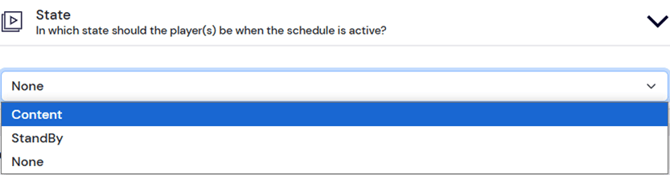
Once the preferred interval has been set, change the State of the schedule to Content.
-
Select the content you want to display during this schedule.

-
Choose the player or player group you want to assign the schedule to.

-
When finished, click Save at the top of the page.

You have now successfully created a content schedule in TDM5.