
Introduction
TDM5 supports a wide range of devices, including Sony Bravia, Philips D-Line, Samsung displays, and Android/PC players. This manual explains how to create player groups, allowing you to easily manage multiple devices together.
Requirements
To create a player group, you need:
-
Access to Designer > Players
How to create a player group
-
Log in to your TDM5 environment.
-
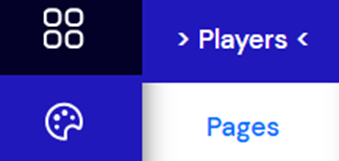
Select Designer.

-
Select the menu option Players.
-
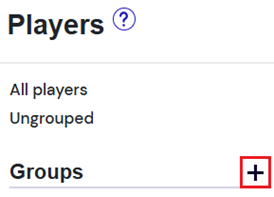
Click the ‘+’ icon next to Groups to create a new player group.
-
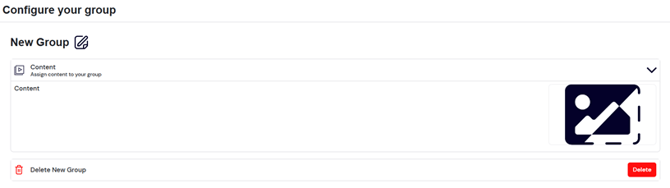
A new page will open. Enter a name for the group and specify the content that should be displayed by the players in this group.
-
Once configured, press Save to create the player group.
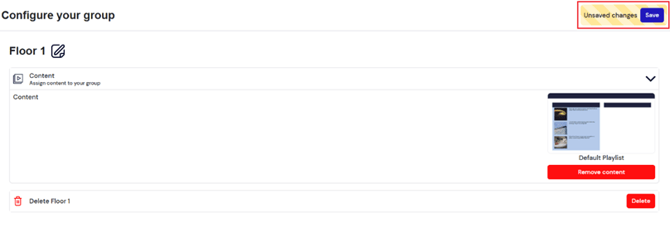
You have now successfully created a player group. For more details on linking a player to a group, see our related manuals.