
Introduction
TDM5 allows you to add external data sources. With these data sources, you can display real-time information within your presentations.
TDM5 supports the following external data sources:
-
Custom
-
Instagram
-
Facebook
-
Google Calendar
-
Exchange
-
Office365 Calendar
-
Power BI
-
Weather
-
Zermelo
-
NS
-
Realworks
Requirements
To delete a data source, you need the following:
-
Administrator access to your TDM5 environment
How to delete a data source
-
Log in to your TDM5 environment using an administrator account.
-
Select Interactions.

-
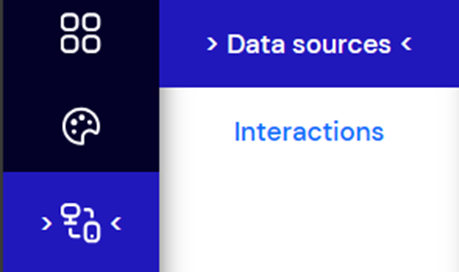
Select the menu option Data sources.
-
You will now see an overview of all your data sources. To delete one, select the Delete option.

You have now successfully deleted a data source from your TDM5 environment. All linked information will also be removed. TDM5 does not store any historical information for deleted data sources.