
Introduction
TDM5 allows you to create your own designs using your company’s colors and logos. You can also upload custom fonts. With these features, you can create designs that reflect your corporate identity.
Requirements
To delete a font, you need the following:
-
Access to Designer > Fonts
How to delete a font
-
Log in to your TDM5 environment.
-
Select Designer.

-
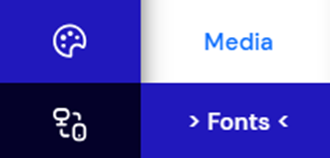
Select the menu option Fonts.
-
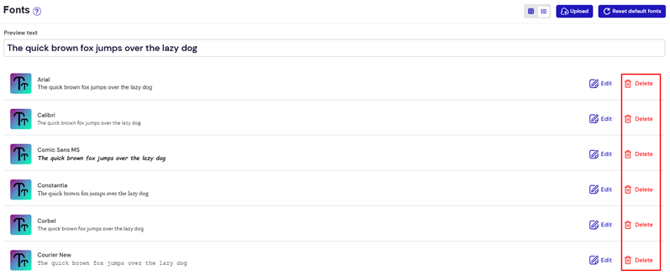
An overview of all available fonts will be displayed. Click Delete next to the font you want to remove.
-
A confirmation pop-up will appear. Click Confirm to continue.
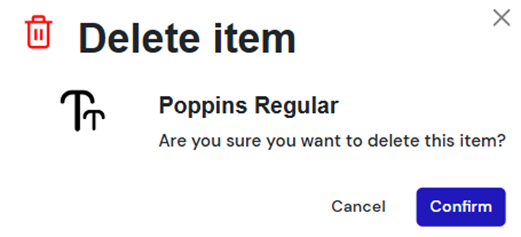
Once completed, you have successfully deleted a font from TDM5. You can repeat these steps to remove additional fonts if needed.