
Introduction
TDM5 allows you to create schedules for specific times and/or days. A schedule can be linked to content or to an action such as powering off your device. With this functionality, you can automate actions for events or other occasions without manually changing the device’s state.
This article explains how to edit a schedule.
Additional articles about scheduling can be found in our knowledge base.
Requirements
To edit a schedule, you need to meet the following requirement:
-
Have access to Devices > Schedules
How to edit a schedule
-
Log in to your TDM5 environment.
-
Select Devices.

-
Open the menu option Schedules.
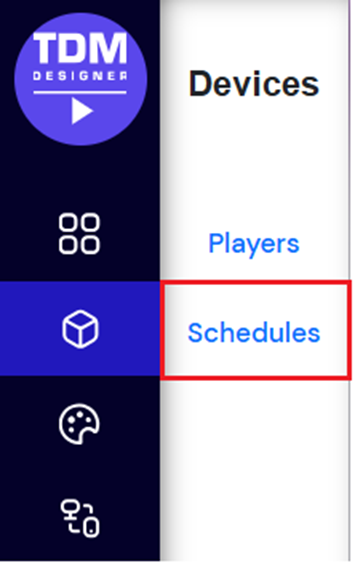
-
Click Edit next to the schedule you want to modify.
-Oct-06-2025-12-51-44-6627-PM.png?width=670&height=79&name=blobid0%20(1)-Oct-06-2025-12-51-44-6627-PM.png)
-
Make the desired changes to the schedule.
-
Press Save to confirm your edits.
You have now successfully edited an existing schedule. Repeat these steps to modify any additional schedules if needed.