
Introduction
TDM5 supports all kinds of devices, including Sony Bravia, Philips D-Line, Samsung displays, and Android/PC players. This manual explains how players can be linked to a player group, allowing you to group players together and easily manage your devices.
Requirements
If you want to link a player to a player group, you need to meet the following requirements:
-
Access to: Designer > Players
How to link a player to a player group
-
Log in to your TDM5 environment.
-
Select Designer.

-
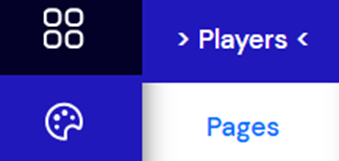
Select the menu option Players.
-
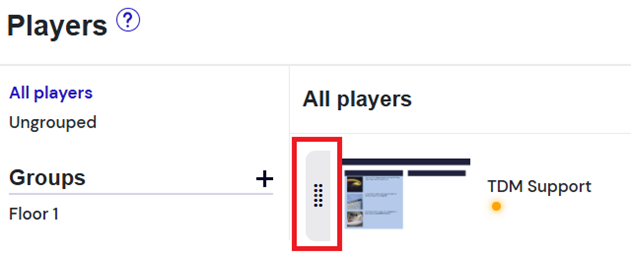
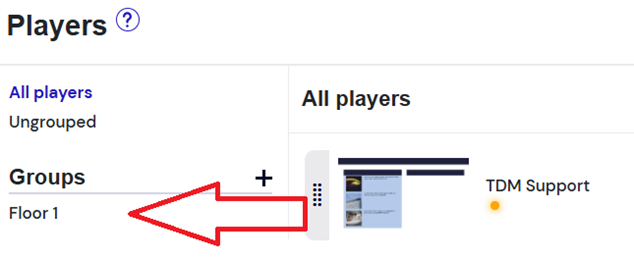
Drag and drop your players into a player group using the handle in front of the player name.
-
Select the player group to see which players have been added.
