
Introduction
TDM5 offers different types of subscriptions and modules that can be ordered directly from our website or from within your TDM5 environment. During the ordering process, you also have the option to purchase plug-and-play Android players.
Requirements
To order TDM5, you need the following:
-
Company details for registering your TDM5 environment
-
The ability to complete the payment process
How to Order TDM5
-
Navigate to the following page to view an overview of the available subscriptions:
https://tdmsignage.com/tdm-narrowcasting-prices/?lang=en -
Below each subscription, you will find a Buy now button. Select the subscription you would like to order.
Please note that this can always be changed in the next step of the order process.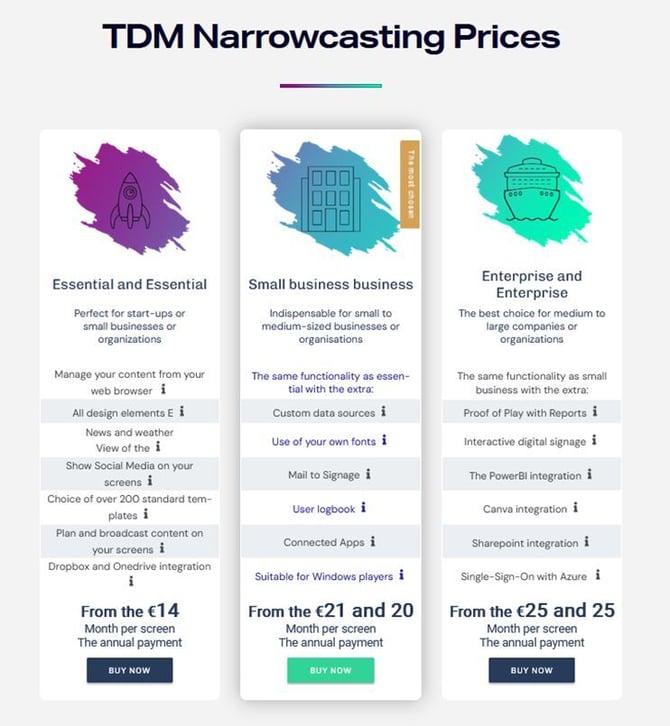
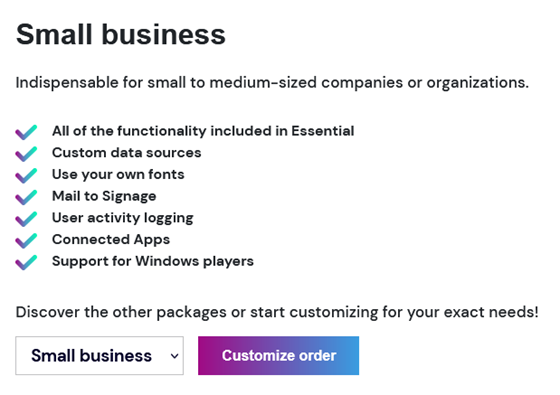
- You will be redirected to the order process page. Here you can change your subscription if needed. Select "Customize order" to continue.
- In the next step, you can choose to order a plug-and-play Android player.
Select the number of players you want to add and click "Include TDM playback device".
If you don’t want to add a player, click "Continue".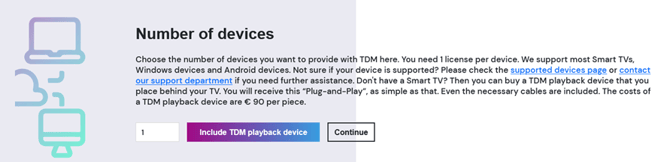
- The following step allows you to order additional modules.
These can be added if you are purchasing an Essential or Small Business subscription. With the Enterprise subscription, all features are already included.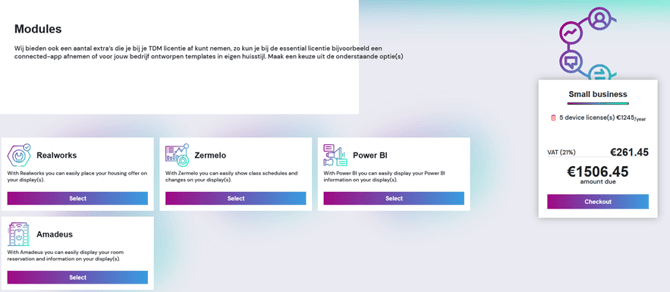
-
Once you have added the items, click "Checkout" to proceed.
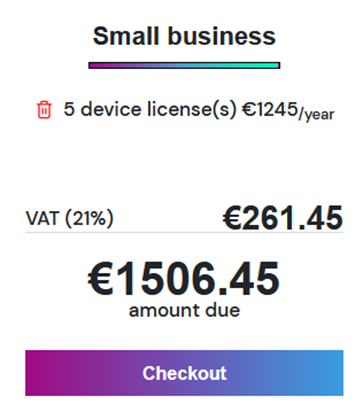
-
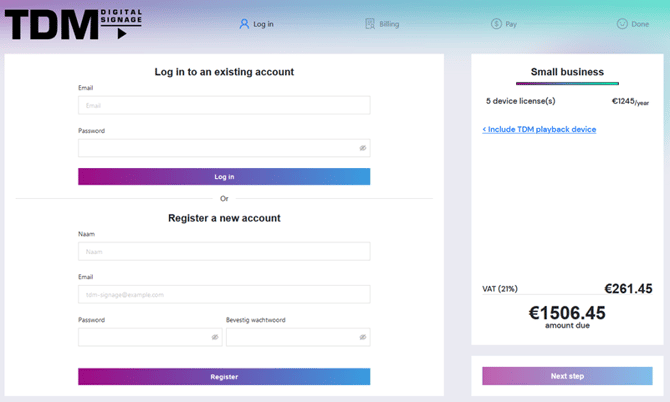
You will be redirected to a registration/login page.
-
If you are a new customer, create a new account.
-
If you already have a TDM5 account, log in.
Click Next step to continue.
-
-
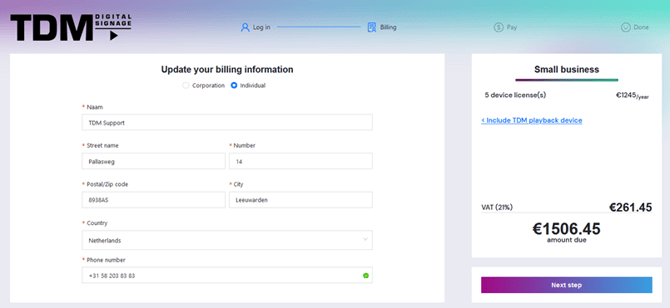
Enter your billing information on the next page and click Next step to continue.
-
On the following page, click Pay with Mollie to proceed with the payment.
Several payment options will be available.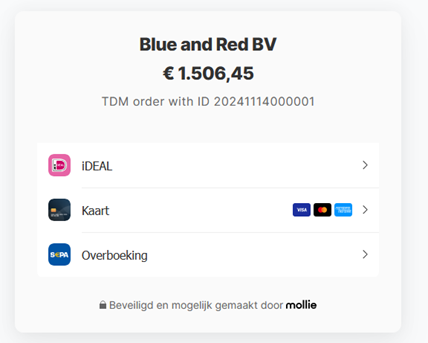
- Once your payment is completed, you will be redirected to the order page.
From here, you can continue to TDM5 by selecting Start designing!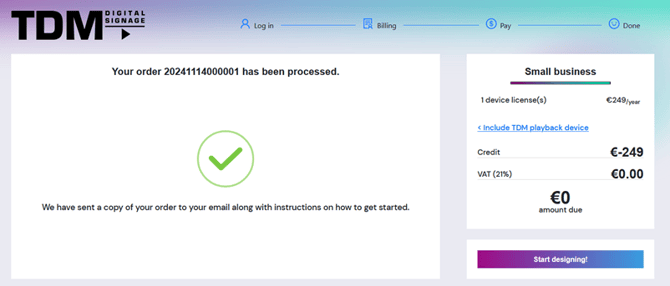
-
You will be taken to the TDM5 dashboard, where you can view a summary of your licenses.
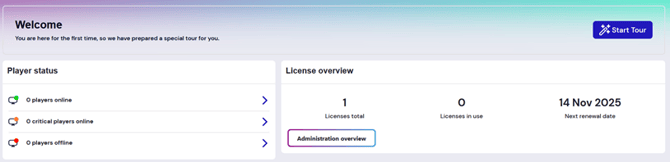
-
For more details about your licenses, navigate to the License Plans page in the bottom-left corner of the menu.
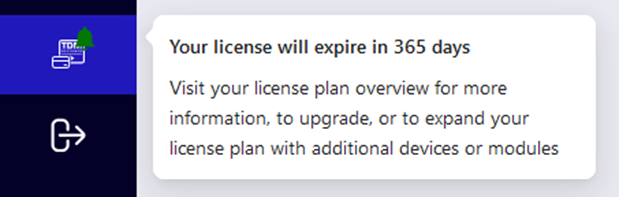
-
Here you can view all license details, upgrade your subscription, or order additional licenses/modules.
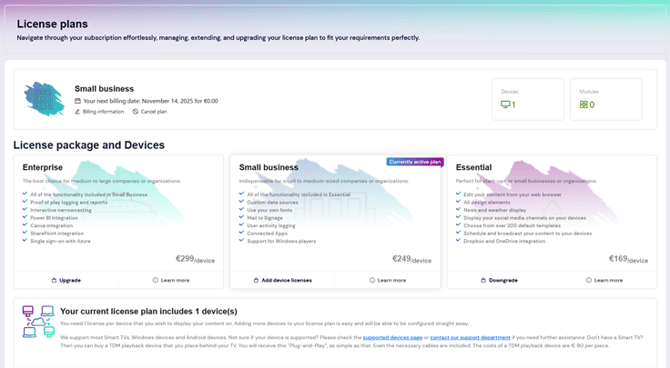
You have now completed the TDM5 order process. Your licenses are active, and you can start using TDM5 right away.