
Introduction
TDM5 supports a wide range of devices, including Sony Bravia, Philips D-Line, Samsung displays, and Android/PC players. This manual explains how to configure default content. Default content will automatically be pushed once a new device has registered in your TDM5 environment.
This means that every new player will automatically display the configured default content instead of the standard TDM5 page.
Requirements
If you want to set default content for new players, you need to meet the following requirements:
-
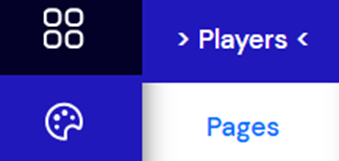
Access to: Designer > Players
How to set default content for players
-
Log in to your TDM5 environment.
-
Select Designer.

-
Select the menu option Players.
-
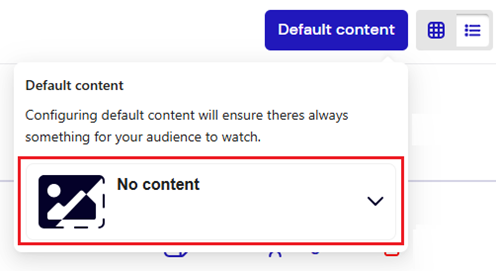
In the top right corner, select Default Content.

-
Select No Content to open the library. From the library, choose the content you would like to set as default.
-
Press Select Content to confirm your choice.

You have now successfully configured default content. This content will automatically be pushed whenever a new device registers in your TDM5 environment