
Introduction
TDM5 offers the ability to add external data sources. With these data sources, TDM5 can display real-time information within your presentation.
This manual explains how to set up an Instagram data source.
Requirements
If you want to set up an Instagram data source, you need to meet the following requirements:
-
Administrator access to your TDM5 environment
-
Access to the Instagram account you want to link
-
All required information about the Instagram account
How to set up an Instagram data source
-
Log in to your TDM5 environment using an administrator account.
-
Select Interactions.
-
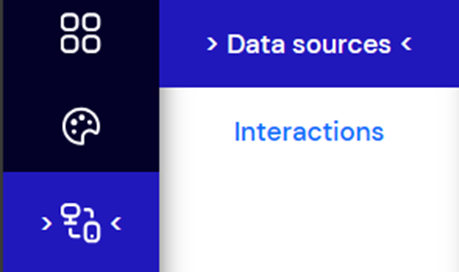
Select the menu option Data sources.
-
Choose Instagram and click Create new on the right-hand side to create a new data source.

-
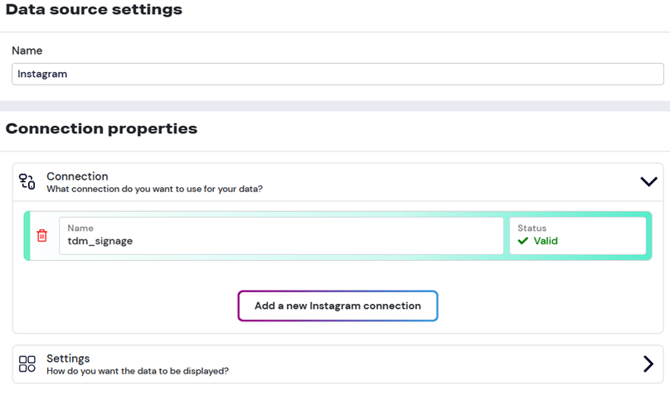
Enter a name for your Instagram data source and open the Connection dropdown menu. Press Add a new Instagram connection.
-
You will be redirected to the Instagram login page. Log in with the Instagram account you want to link to TDM5.
-
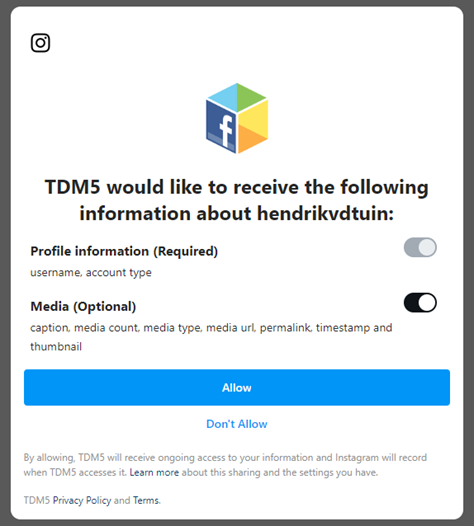
After logging in, a window will appear asking you to grant TDM5 permissions to your Instagram account.
-
Profile information access is mandatory.
-
Media access is also required if you want to display images or videos in your design.
-
Press Allow to continue. You will automatically be redirected back to TDM5.
-
-
The connection with your Instagram account will now be visible in the TDM5 data source. Select the connected account to open the Settings menu. Here you can:
-
Enable the option to show multiple images.
-
Set a prefix for your post captions.
-
-
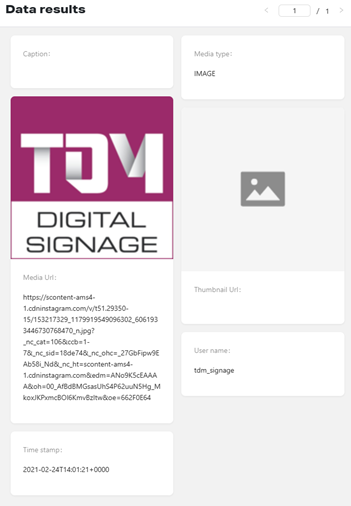
On the right side of the page, you’ll see a preview of your data source. Use the arrows to browse through all posts from your Instagram account.
You have successfully created an Instagram data source, which can now be used in your design.
For more details about using external data sources, see the manual “TDM5 – How to link a data source to an element.”