
Introduction
TDM5 offers the ability to create your own designs, which can then be added to a playlist.
A playlist can include both pages and media from your media library. Once a playlist is linked to a player, that player will automatically display all content included in the playlist.
Requirements
To create a playlist, you need to meet the following requirements:
-
Have access to Designer > Playlists and be able to create or edit a playlist.
How to create a playlist
-
Log in to your TDM5 environment.
-
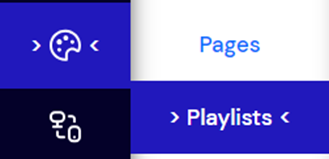
Select Designer.

-
Click on the menu option Playlists.
-
Select Add new playlist in the top-right corner.
.png?width=670&height=31&name=mceclip2%20(1).png)
-
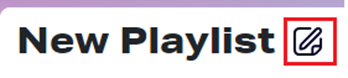
Rename your playlist by clicking the edit button next to the default name “New Playlist.”
You have now successfully created a playlist.
For more details on how to add content, please see our guide “TDM5 – How to fill a playlist with content.”